BASIC DIGITAL SKILLS - IFCT45
File: F251557AA.
Delivery mode: in-person.
Total hours: 60 hours.
Dates: coming soon.
Price: 100% funded.
632 110 796
Sign up
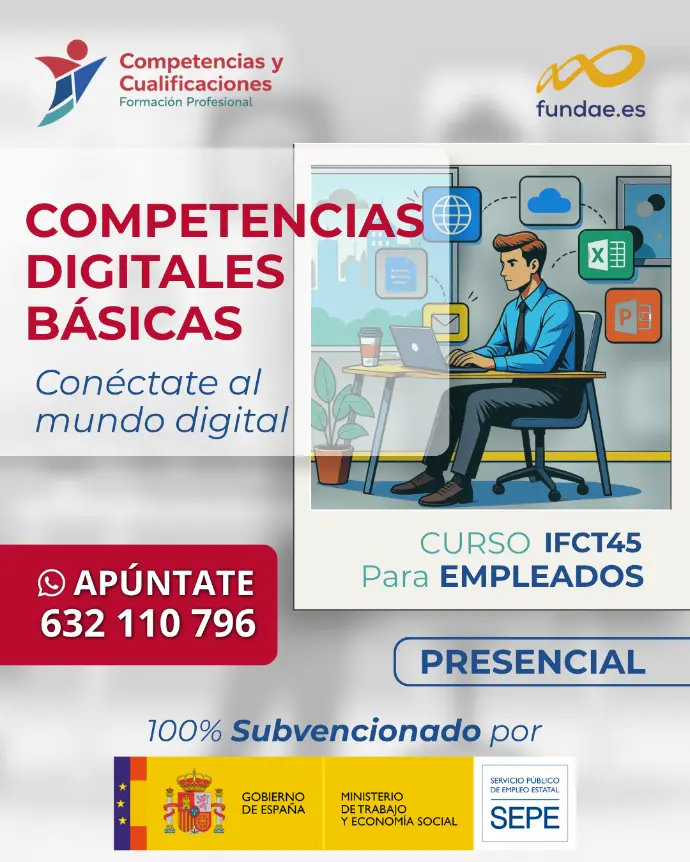


This training program is funded through public resources, making it completely free for all participants.
This training call is promoted by the Ministry of Work and Social Economy (MTES) alongside the State Public Employment Service (SEPE), and is monitored and supervised by FUNDAE.
Target audience:
this program is primarily aimed at active employees working for private companies or organizations.
What you will achive
- Master the basic use of operating systems and core software.
- Browse the web and search for information efficiently.
- Manage your digital communication and online identity.
- Create office documents and manage different file formats.
- Apply essential security measures and troubleshoot basic technical issues.
Program details
Acquire basic digital skills to harness the full potential of new digital technologies, in line with EU Recommendation 2006/962/EC on key competences for lifelong learning.
1. Basic Operating System Use
- Different operating systems and available versions.
- Startup, shutdown, and hibernation.
- Essential programs (web browsers, file explorer, image viewer, etc.).
- File and folder management.
2. Information Processing & Data Literacy
- Web Browsing:
- Different web browsers.
- Daily usage (tabs, browser history, and bookmarks).
- Basic settings (homepage, default search engine, clearing cache).
- Information Search:
- Search engines.
- RSS feeds.
- Digital Content Storage & Retrieval.
3. Digital Communication
- Email:
- Webmail platforms.
- Setting up POP, IMAP, and SMTP in desktop and mobile email clients.
- Basic Video Conferencing: Tools such as Skype, Google Hangouts, and video meeting software.
- Digital Identity: Managing your personal online image and digital footprint.
4. Digital Content Creation
- Basic office productivity tools (word processors and presentation software).
- Copyrights, licenses, and permissions when using online content.
- Understanding standard file formats (PDF, DOC, DOCX, JPG, GIF, PNG, etc.).
5. Cybersecurity & Safety
- Fundamental security practices for IT devices (desktop computers and mobile devices).
- Best practices and routines for safe web browsing.
- Antivirus software operation and protection.
6. Technical Problem Solving
- Operating system maintenance (system updates, disk scanning, defragmentation).